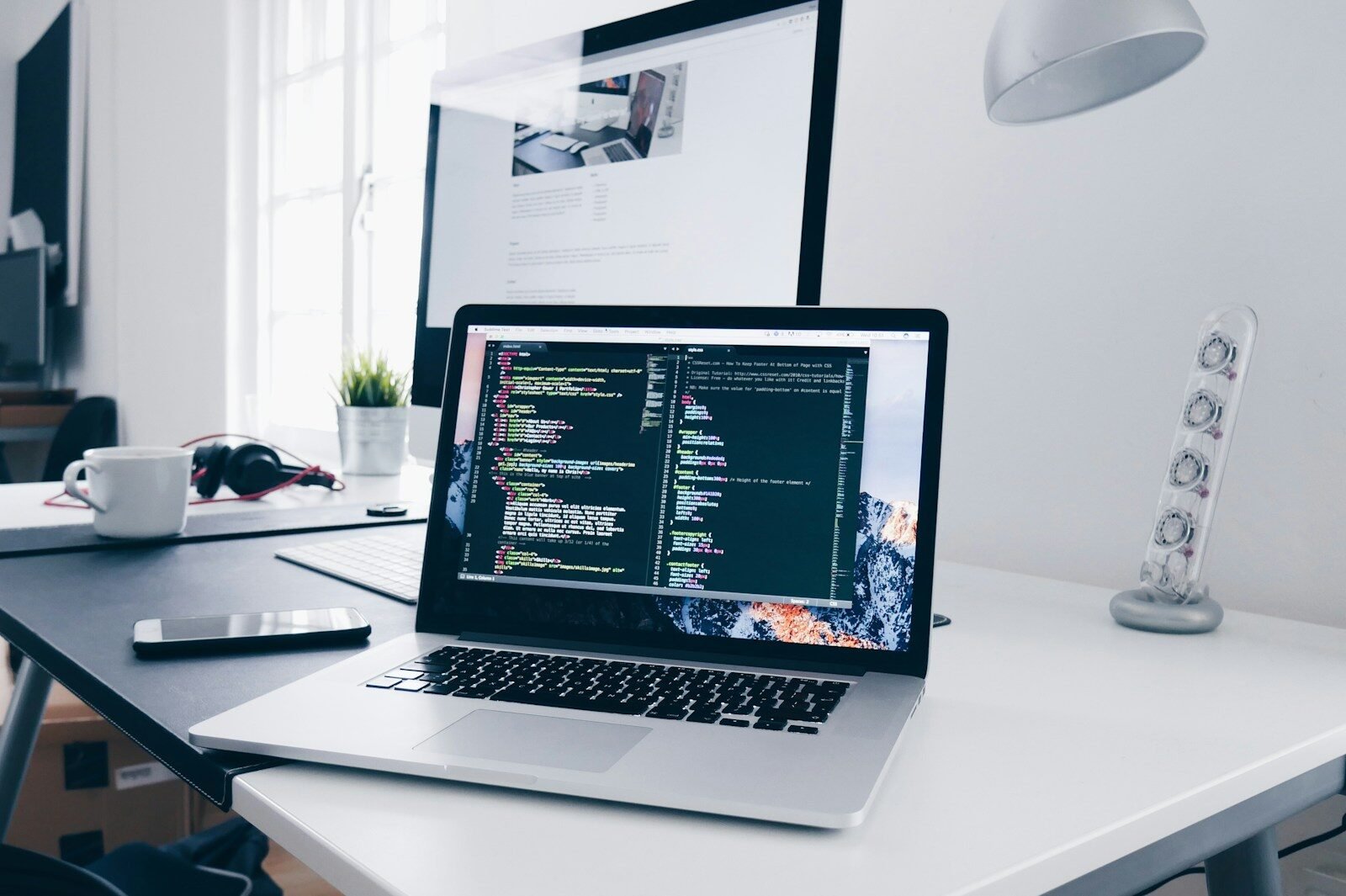
Laptops and computers have become essential tools in modern life. They are used for education, business, remote work, entertainment, gaming, content creation, communication, and everyday tasks. Whether you are a student looking for an affordable laptop, a professional who needs a powerful workstation, or a gamer searching for a high-performance computer, choosing the right device requires careful consideration.
The market offers a wide range of laptops and computers with different processors, memory capacities, storage options, displays, graphics systems, and prices. Understanding these features can help buyers make better decisions and choose a computer that fits their needs.
Why Laptops and Computers Are Important
Computers allow users to complete tasks that may be difficult or impossible to perform on smaller devices. While smartphones and tablets are excellent for communication and entertainment, laptops and desktop computers usually provide larger screens, full-size keyboards, better multitasking, and more powerful hardware.
Students can use laptops for research, online classes, assignments, presentations, and learning applications. Professionals can use them for documents, meetings, programming, graphic design, business management, and other work. Computers are also widely used for gaming, video editing, music production, and creative projects.
Laptop vs. Desktop Computer
One of the first decisions buyers need to make is whether they should purchase a laptop or a desktop computer.
A laptop is portable and includes a screen, keyboard, battery, and other components in one compact device. It is ideal for students, travelers, remote workers, and people who need to work in different locations.
Desktop computers are usually larger and remain in one place. However, they can offer excellent performance and greater upgrade flexibility. Desktop systems are often popular among gamers, professionals, and users who need powerful hardware.
The best choice depends on how and where the computer will be used.
Choosing the Right Processor
The processor, often called the CPU, is one of the most important components in a computer. It handles instructions and performs many of the calculations required by applications and the operating system.
For basic activities such as web browsing, email, document editing, and video streaming, an entry-level or mid-range processor may be sufficient.
Users who perform demanding tasks such as video editing, 3D rendering, software development, or professional applications may benefit from a more powerful processor.
Instead of focusing only on processor names or numbers, buyers should consider their actual workload and requirements.
RAM and Multitasking
RAM, or random access memory, affects how efficiently a computer can handle multiple applications at the same time.
A computer with enough RAM can make multitasking smoother. For example, users may be able to keep a browser with multiple tabs open while running documents, communication software, and other applications.
Basic users may not need a large amount of memory, while professionals, creators, developers, and gamers may benefit from additional RAM.
It is important to consider future requirements as well. Choosing enough memory at the time of purchase can help a computer remain useful for longer.
Storage: SSD vs. Traditional Drives
Storage is where files, applications, photographs, videos, and operating system data are kept. Modern computers commonly use solid-state drives, known as SSDs.
SSDs generally provide faster startup times and quicker application loading compared with traditional hard disk drives. They can make a computer feel significantly more responsive.
Storage capacity is also important. Users who store large video files, games, photographs, or professional projects may need more space.
Cloud storage and external drives can provide additional storage, but choosing sufficient internal storage can make everyday use more convenient.
Display Quality
For laptop users, the display is one of the most important parts of the device because it is used constantly.
Important display factors include size, resolution, brightness, refresh rate, color accuracy, and panel quality.
Students and office users may be satisfied with a standard display, while designers, photographers, video editors, and gamers may require more advanced screens.
A larger display can provide more workspace, but it may also make the laptop heavier and less portable. Buyers should find the right balance between screen size and portability.
Graphics Performance
Graphics processing is important for gaming, video editing, 3D applications, design, and other visually demanding tasks.
Some computers use integrated graphics, which can be sufficient for everyday activities. Others include dedicated graphics hardware that provides significantly more performance for demanding workloads.
Gamers should pay close attention to graphics performance because it can have a major effect on gaming quality and frame rates.
Creative professionals may also benefit from stronger graphics performance when working with video, animation, or 3D applications.
Battery Life
Battery life is a major consideration when buying a laptop. A portable computer is most useful when it can operate for several hours without requiring constant charging.
Actual battery life can vary depending on screen brightness, applications, processor usage, wireless connectivity, and other factors.
People who frequently travel or work away from power outlets should prioritize strong battery performance. Users who mainly work at a desk may care less about battery life and more about performance or screen quality.
Keyboard and Trackpad
A laptop can have powerful specifications but still be frustrating to use if its keyboard and trackpad are uncomfortable.
People who write documents, code, or emails for long periods should look for a keyboard with comfortable key spacing and good feedback.
The trackpad should respond accurately to gestures and movements. A smooth and reliable trackpad can reduce the need for an external mouse during everyday use.
Ports and Connectivity
Ports are another important consideration. Different users require different connections depending on their accessories and workflow.
Common connections include USB ports, audio connections, display outputs, and other modern interfaces. Wireless connectivity such as Wi-Fi and Bluetooth is also important.
Before buying a laptop, users should check whether it includes the ports they need. Some thin laptops may offer fewer physical connections in exchange for a slimmer design.
Operating System
The operating system determines how users interact with their computer and which applications they can install.
Different operating systems have different interfaces, software ecosystems, compatibility options, and hardware requirements. Users should choose an operating system based on the applications they need and their familiarity with the platform.
Students and professionals should check whether the software they use regularly is supported before purchasing a computer.
Security and Privacy
Security is essential for both personal and professional computers. Modern laptops and desktops may include features such as biometric authentication, secure login systems, encryption, and hardware-based security technologies.
Users should also keep their operating system and applications updated. Regular updates can improve security and fix known vulnerabilities.
Using strong passwords and reliable security practices can further protect important files and personal information.
Laptops for Different Users
Different users have different computer requirements.
Students: Students often need affordable, portable devices with good battery life for research, assignments, online classes, and presentations.
Professionals: Office workers may prioritize performance, comfortable keyboards, connectivity, and reliability.
Gamers: Gamers generally require strong processors, capable graphics hardware, fast displays, sufficient memory, and effective cooling.
Content Creators: Video editors, photographers, designers, and other creators may need powerful processors, high-quality displays, plenty of RAM, fast storage, and strong graphics performance.
Travelers: People who travel frequently may prefer lightweight laptops with long battery life and durable construction.
How to Get the Best Value
The most expensive laptop or computer is not always the best option. Buyers should focus on the features they actually need.
Before purchasing, compare several models and consider performance, storage, display quality, battery life, build quality, warranty, and upgrade options.
It can also be useful to read reviews and look at real-world experiences instead of relying only on manufacturer specifications.
Conclusion
Laptops and computers remain among the most useful technology products available today. They provide the performance, flexibility, and productivity tools needed for education, work, gaming, creativity, and entertainment.
When choosing a computer, consider the processor, RAM, storage, graphics, display, battery life, keyboard, ports, operating system, and security features. Most importantly, select a device based on your personal requirements and budget.
A well-chosen laptop or desktop can remain useful for many years and become an important part of your daily workflow. By researching different options and understanding the key features, buyers can find a computer that offers the right combination of performance, reliability, portability, and value.
