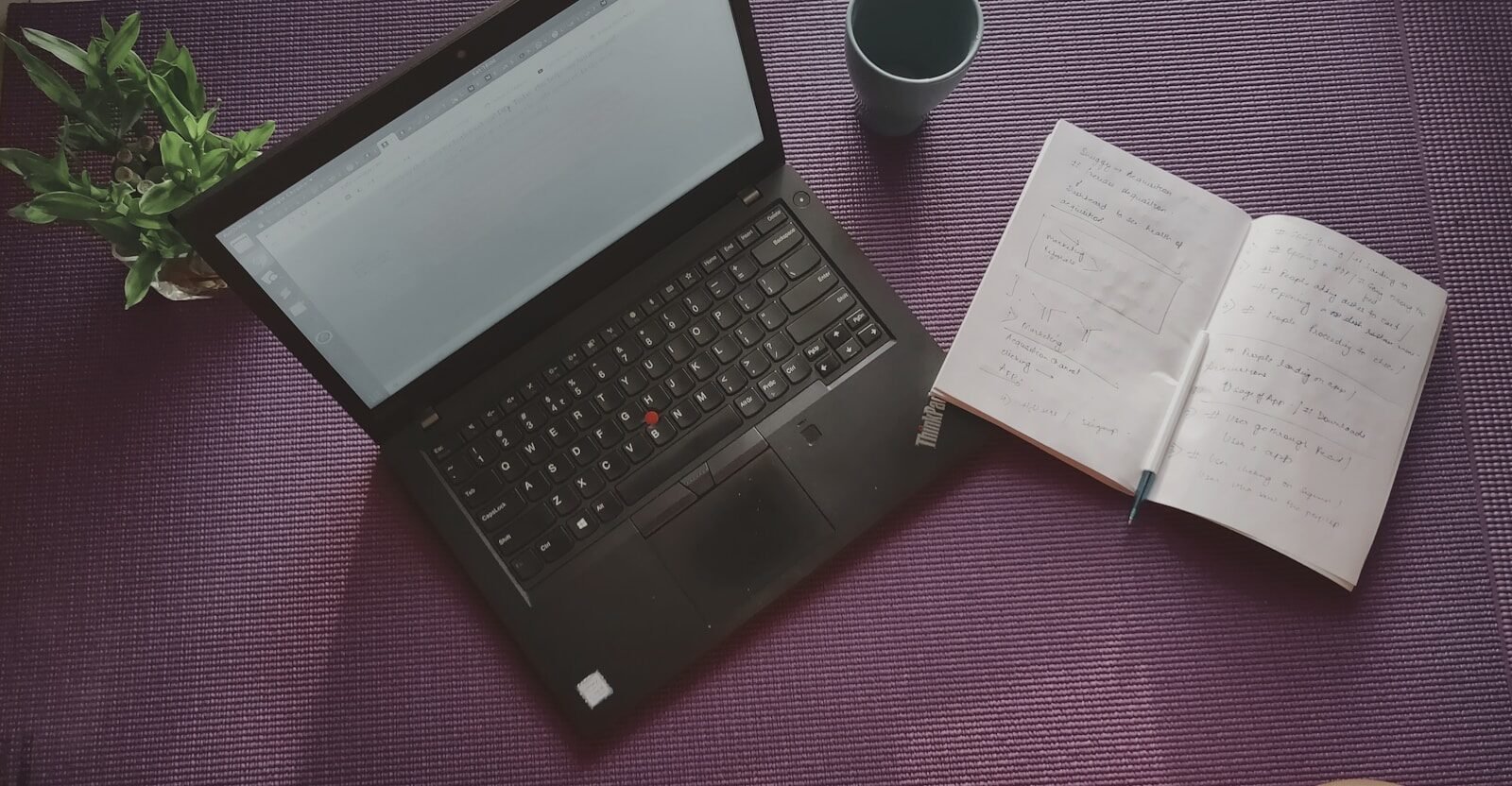
Laptops and computers are an important part of modern life. They help people work, study, communicate, create content, manage businesses, play games, watch entertainment, and complete everyday tasks. From lightweight laptops designed for students to powerful desktop computers built for professionals and gamers, there is a device available for almost every type of user.
However, choosing the right computer can be difficult. Manufacturers offer many models with different processors, memory, storage, graphics, displays, operating systems, and prices. A computer that is excellent for gaming may be unnecessary for a student, while an affordable laptop may not provide enough power for a professional video editor.
Understanding the main features of laptops and computers can make the buying process easier and help consumers choose a device that matches their needs.
Laptops and Computers for Everyday Life
Computers are useful because they can perform many different tasks. Students use them for online learning, research, assignments, and presentations. Employees use them for documents, spreadsheets, video meetings, project management, and communication.
Businesses rely on computers for accounting, customer management, marketing, design, data analysis, and other operations. At home, computers are used for browsing, streaming, shopping, communication, photo management, and entertainment.
Because computers serve so many purposes, choosing the right specifications is important.
Laptop or Desktop: Which Is Better?
One of the first questions buyers should ask is whether they need a laptop or a desktop.
Laptops are portable and convenient. They include the display, keyboard, battery, and internal hardware in one compact device. This makes them a practical choice for students, travelers, remote workers, and professionals who move between locations.
Desktop computers are larger and generally designed to stay in one place. Their biggest advantages can include stronger performance, larger displays, easier upgrades, and greater customization.
A laptop is usually better for mobility, while a desktop can be a better choice for users who prioritize performance and upgradeability.
Processor and Performance
The processor is one of the most important components of a computer. It handles instructions and helps determine how quickly the system can perform different tasks.
For basic activities such as browsing websites, writing documents, watching videos, and sending emails, a mid-range processor can provide plenty of performance.
More demanding users may need stronger processors for video editing, programming, 3D design, professional applications, and gaming.
When choosing a processor, buyers should consider their actual workload instead of simply choosing the most powerful option available. More performance usually comes with higher cost and, in some laptops, increased power consumption.
RAM and Multitasking
RAM allows a computer to keep data available while applications are running. Having enough RAM can make multitasking smoother.
For example, a user may have multiple browser tabs open while running a document editor, music application, and video call. A computer with sufficient memory can handle these tasks more comfortably.
Users who work with large files, professional applications, virtual machines, games, or creative software may require more RAM than casual users.
It is also wise to consider future needs when selecting memory. Software requirements can increase over time.
Storage and SSD Technology
Storage determines how many applications and files can be saved on a computer.
Modern computers frequently use SSDs because they provide fast data access. A computer with an SSD can generally start the operating system quickly and load applications faster.
Storage capacity is equally important. Students may need space for documents and presentations, while gamers and content creators can require much more storage for games, photographs, and video files.
Users who need additional capacity can also use external drives or cloud storage services.
Display and Screen Quality
Laptop users spend a lot of time looking at the screen, so display quality should not be overlooked.
Important factors include screen size, resolution, brightness, refresh rate, contrast, and color accuracy.
A standard display may be sufficient for browsing and office work. Gamers may prefer a high refresh rate, while creative professionals may prioritize accurate colors and higher resolution.
Screen size also affects portability. A larger screen can make multitasking easier, but a smaller laptop may be more comfortable to carry.
Graphics Processing
Graphics performance matters for gaming, video editing, animation, 3D modeling, and other visual applications.
Many everyday computers use integrated graphics, which can handle browsing, office work, streaming, and basic creative tasks.
More demanding users may need dedicated graphics hardware. Gamers should consider graphics performance carefully because it can have a significant effect on game quality and frame rates.
Content creators can also benefit from stronger graphics processing when working with high-resolution video and advanced visual effects.
Battery Life and Portability
Battery life is a major advantage of laptops. A portable computer should ideally provide enough battery life for the user’s normal workday or study schedule.
Battery performance can change depending on how the device is used. Gaming, video editing, high screen brightness, and video streaming can consume significantly more power than simple document editing.
People who travel frequently should prioritize lightweight designs and strong battery life. Users who mostly work at a desk may be more interested in performance and screen size.
Keyboard and Touchpad
Comfort is especially important for people who spend several hours typing.
A good laptop keyboard should provide comfortable key spacing, reliable feedback, and a layout that is easy to use. Programmers, writers, students, and office workers can benefit greatly from a quality keyboard.
The touchpad should also respond accurately to movement, clicking, and gestures. An unreliable touchpad can make everyday computer use frustrating.
Connectivity and Ports
Modern computers connect to many accessories, including external displays, storage drives, printers, headphones, cameras, and other devices.
Before purchasing a laptop, buyers should check which ports are available and whether they support their existing accessories.
Wireless technologies are also important. Reliable Wi-Fi and Bluetooth make it easier to connect to networks and wireless devices.
Operating System
The operating system controls the basic user experience. It determines how applications are installed, files are organized, settings are managed, and users interact with the computer.
Different operating systems have different software ecosystems and compatibility options. Buyers should choose a platform that supports the applications they need for work, study, entertainment, or creative projects.
It is also useful to consider the availability of software updates and long-term support.
Security Features
Security is essential because computers often contain personal and professional information.
Modern devices may provide fingerprint authentication, facial recognition, secure login systems, encryption, and other security technologies.
Users should keep their operating system and applications updated to receive security improvements. Regular backups are also important because they can protect valuable files if a device is lost, damaged, or affected by a hardware problem.
Choosing a Computer for Different Users
Different people need different types of computers.
Students often benefit from affordable, lightweight laptops with good battery life and enough performance for research and schoolwork.
Office workers may prioritize reliability, comfortable keyboards, good displays, and strong connectivity.
Gamers usually require powerful processors, dedicated graphics, fast storage, sufficient RAM, and effective cooling.
Content creators may need powerful processors, dedicated graphics, large storage capacities, and color-accurate displays.
Business owners may prioritize security, reliability, durability, software compatibility, and long-term support.
Tips for Getting Better Value
A higher price does not automatically mean a better computer. Buyers should focus on their actual needs and avoid paying for unnecessary features.
Before purchasing, compare several models and look at performance, storage, battery life, display quality, build quality, warranty, and upgrade options.
Reading detailed reviews can also help buyers understand how a device performs outside of laboratory specifications.
Another useful strategy is to consider long-term value. A slightly more capable computer may cost more initially but remain useful for a longer period.
Final Thoughts
Laptops and computers continue to play a central role in education, work, entertainment, gaming, and creativity. With the right device, users can complete tasks more efficiently and enjoy a better digital experience.
When choosing a computer, think carefully about your needs. Consider the processor, RAM, storage, graphics, display, battery life, keyboard, connectivity, operating system, security, and price.
There is no single computer that is perfect for everyone. The ideal choice depends on how you plan to use the device, where you will use it, and how much you are willing to spend.
By researching different options and understanding the most important features, you can choose a laptop or computer that provides reliable performance, useful features, and good long-term value.
