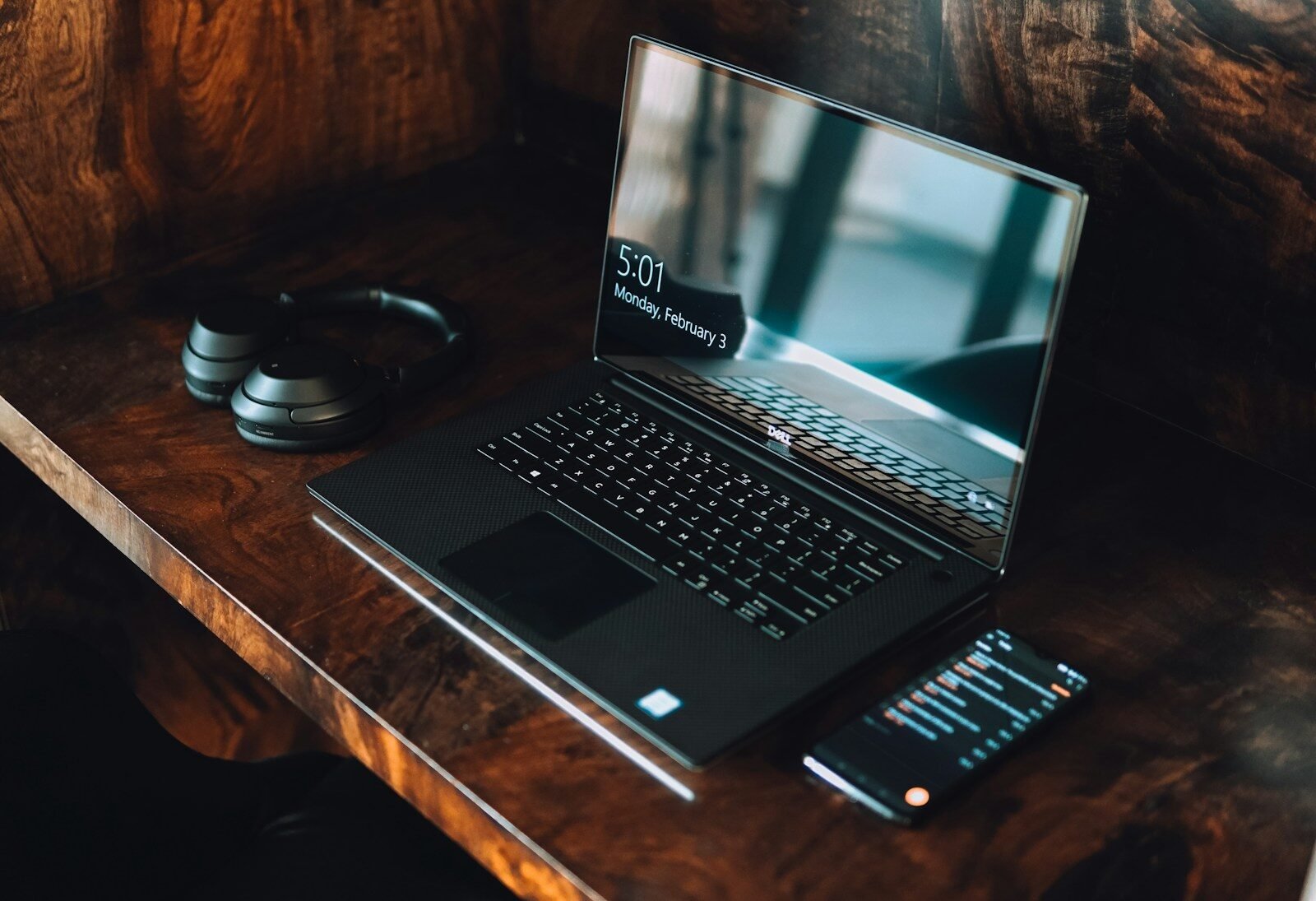
Laptops and computers have become essential tools for work, education, entertainment, communication, and creativity. Whether you are a student attending online classes, a professional working from home, a business owner managing daily operations, or a gamer looking for powerful performance, having the right computer can make a significant difference.
The computer market offers countless choices, from affordable laptops designed for basic tasks to powerful desktop systems built for gaming, video editing, programming, and professional workloads. With so many options available, it is important to understand the main features before making a purchase.
This guide explores the most important factors to consider when choosing a laptop or computer.
Why Computers Still Matter
Smartphones and tablets are extremely convenient, but laptops and desktop computers continue to provide advantages for serious work. Larger screens, full-size keyboards, powerful processors, better multitasking, and extensive software support make computers useful for many demanding tasks.
Students can use computers to research information, prepare assignments, create presentations, and attend online classes. Professionals can manage documents, spreadsheets, meetings, projects, and business applications. Creative users can edit photos, produce videos, create graphics, and develop websites or software.
Computers also remain popular for gaming because desktop and laptop systems can provide powerful graphics and processing capabilities.
Choosing Between a Laptop and Desktop
The first major decision is whether you need a laptop or a desktop computer.
A laptop is designed for mobility. It includes a display, keyboard, battery, processor, storage, and other components in a compact body. This makes it ideal for people who work or study in different locations.
A desktop computer is generally less portable but can offer more flexibility. Desktop users can often upgrade components such as storage, memory, graphics cards, and other hardware.
Choose a laptop if portability and convenience are important. Choose a desktop if you want maximum performance, customization, and upgrade options.
Processor: The Heart of the Computer
The processor, also known as the CPU, performs many of the calculations required by a computer. It affects how quickly applications can respond and how effectively the system handles demanding tasks.
For basic activities such as browsing, email, document editing, and video streaming, a modest processor may be sufficient.
For advanced workloads such as programming, video production, 3D design, data processing, and gaming, a more powerful processor can provide better performance.
Instead of simply choosing the processor with the highest specifications, buyers should match processor performance to their actual needs.
RAM and Multitasking
RAM is another important component. It allows the computer to keep information readily available for active applications.
Having enough RAM can improve multitasking. Users who frequently switch between applications, browser tabs, documents, and communication tools can benefit from sufficient memory.
Professionals working with large projects, gamers, developers, and content creators may need more memory than casual users.
Choosing adequate RAM can also help a computer remain useful as software becomes more demanding over time.
Storage Options
Storage is where applications, documents, photographs, videos, games, and other files are saved.
Most modern laptops and computers use SSDs. Solid-state drives generally offer faster startup times and quicker application loading than traditional mechanical hard drives.
Storage capacity is also important. A user who mainly stores documents may not need a huge drive, while gamers, photographers, and video editors can quickly fill large storage capacities.
External drives and cloud services can provide additional storage, but sufficient internal storage makes everyday use more convenient.
Display Quality
Laptop users should pay close attention to display quality because the screen is used constantly.
Important characteristics include screen size, resolution, brightness, color reproduction, refresh rate, and viewing angles.
A standard display can be suitable for office work and education. Gamers may prefer higher refresh rates for smoother motion. Designers, photographers, and video editors may prioritize color accuracy.
Screen size also affects portability. Larger displays provide more workspace but can make a laptop heavier and less convenient to carry.
Graphics Performance
Graphics hardware is particularly important for gaming and creative applications.
Integrated graphics can handle many everyday activities, including web browsing, streaming, office work, and basic photo editing. Dedicated graphics hardware is more appropriate for demanding games, professional video editing, animation, 3D modeling, and other graphics-intensive workloads.
Users should choose graphics performance based on their intended applications. There is little benefit in paying for extremely powerful graphics hardware if the computer will only be used for basic tasks.
Battery Life
Battery life is one of the most important features of a laptop.
Students and professionals who spend long periods away from power outlets should look for a device with strong battery performance. A long-lasting battery allows users to work, study, browse, and watch videos without constantly searching for a charger.
However, battery life varies according to usage. High screen brightness, gaming, video editing, streaming, and other demanding tasks can reduce battery life significantly.
Keyboard and Touchpad
A laptop’s keyboard and touchpad can have a major effect on comfort.
People who type frequently should choose a keyboard with comfortable keys and good spacing. Programmers, writers, and office workers may spend several hours each day using the keyboard, making comfort especially important.
The touchpad should provide accurate movement and reliable gestures. A poor touchpad can make even simple tasks frustrating.
Ports and Connectivity
A computer should provide the connections required for your accessories.
Depending on your needs, you may require ports for external displays, storage devices, cameras, headphones, or other peripherals.
Wireless connectivity is equally important. Reliable Wi-Fi and Bluetooth make it easier to connect to networks and wireless accessories.
Before buying a laptop, check its available ports carefully because some thin models may offer fewer physical connections.
Operating System and Software
The operating system affects how you interact with your computer and which applications are available.
Before purchasing a device, make sure it supports the programs you need. Students should check their educational software, while professionals should confirm compatibility with workplace applications.
Gamers should also consider the availability of their preferred games and gaming services.
The software experience should be smooth, reliable, and easy to understand.
Security and Privacy
Computers contain valuable personal and professional information, so security is essential.
Modern systems may include fingerprint readers, facial recognition, secure passwords, encryption, and hardware-based security features.
Users should keep their operating system and applications updated to receive important security improvements. Regular backups are also recommended to protect important files from hardware failure or accidental deletion.
Computers for Students
Students often need affordable and portable laptops that can handle research, documents, presentations, video calls, and online learning.
Battery life is particularly important because students may use their laptops throughout the day. A lightweight design can also make it easier to carry the computer between classes, libraries, and home.
There is usually no need for extremely powerful hardware unless the student is studying areas such as engineering, programming, architecture, design, or media production.
Computers for Professionals
Professionals may require different features depending on their work.
Office workers often need reliable performance, a comfortable keyboard, good connectivity, and a quality display. Developers may need more processing power and memory. Designers and video editors may require powerful graphics hardware and high-quality screens.
Business users should also consider security, durability, warranty coverage, and long-term software support.
Computers for Gaming
Gaming computers require powerful hardware because modern games can be demanding.
A gaming system may need a strong processor, dedicated graphics hardware, sufficient RAM, fast storage, and effective cooling. A high-refresh-rate display can also improve the gaming experience.
Desktop computers can be particularly attractive to gamers because components can often be upgraded as new technology becomes available.
How to Get the Best Value
The most expensive computer is not necessarily the best choice. Buyers should focus on the features they actually need.
Compare several models and consider performance, storage, battery life, display quality, build quality, software support, warranty, and upgrade possibilities.
Reading detailed reviews can also help reveal real-world strengths and weaknesses that specifications alone cannot show.
Conclusion
Laptops and computers remain essential technology products for modern life. They support education, professional work, entertainment, gaming, creativity, communication, and countless other activities.
When choosing a computer, consider the processor, RAM, storage, graphics, display, battery, keyboard, ports, operating system, security, and overall price. Most importantly, match the device to your personal requirements.
A carefully chosen computer can provide reliable performance for years. By understanding the key features and comparing different options, buyers can make smarter decisions and find a device that offers the right combination of performance, portability, durability, and value.
